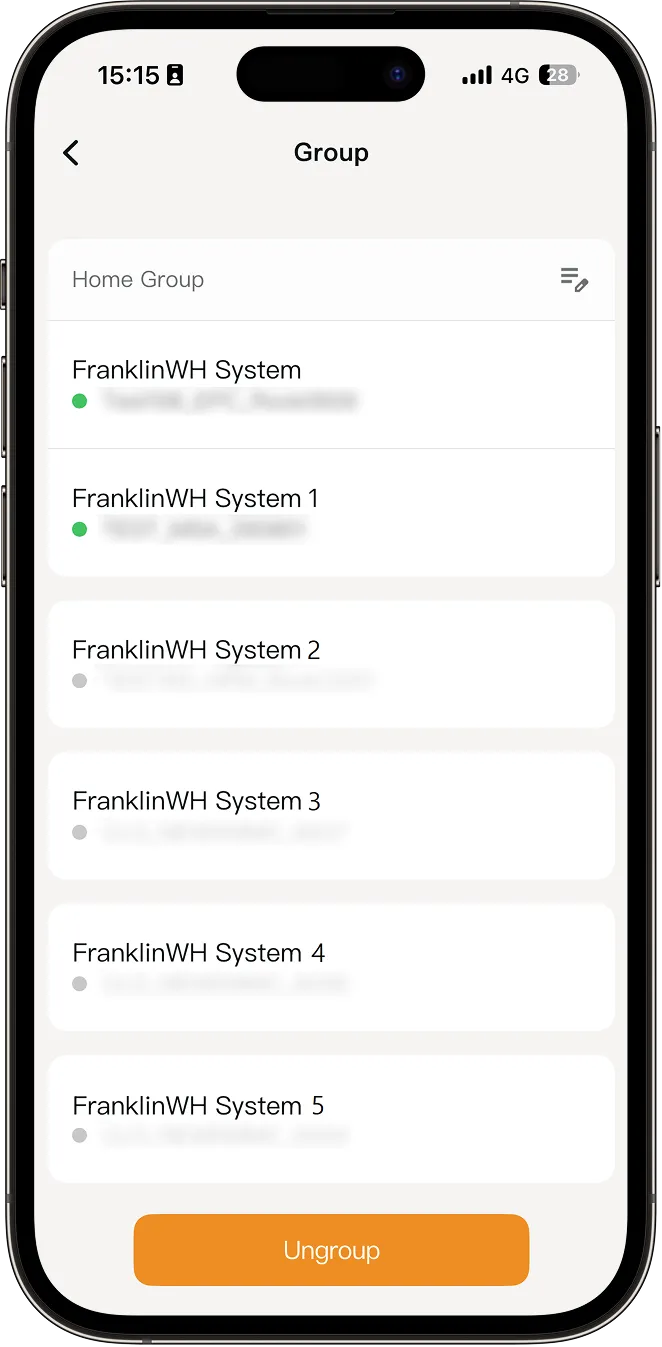
When multiple FranklinWH Systems are bound to the same user account, you can group 2–5 FranklinWH Systems in the same time zone into a Home Group via the FranklinWH App. This allows you to manage multiple FranklinWH Systems as a group for a more convenient and streamlined experience.
How to Set Up
To group multiple FranklinWH Systems bound to the same user account in the FranklinWH App, follow these steps:
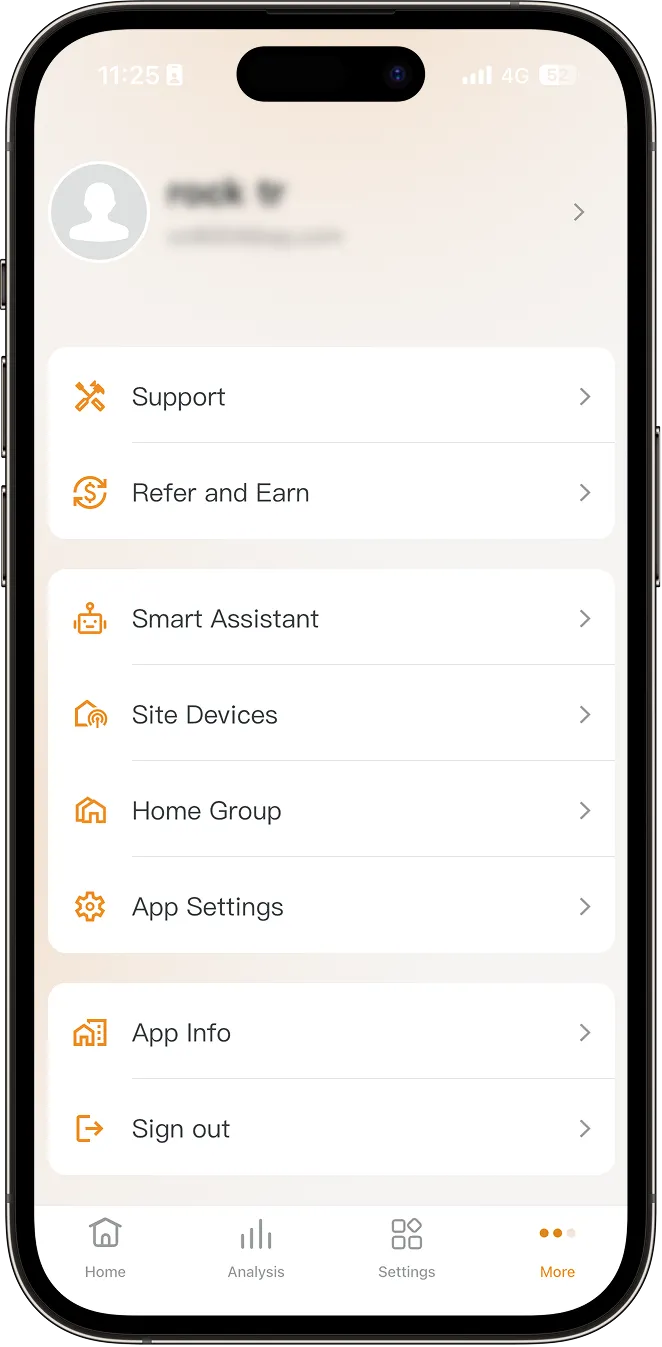
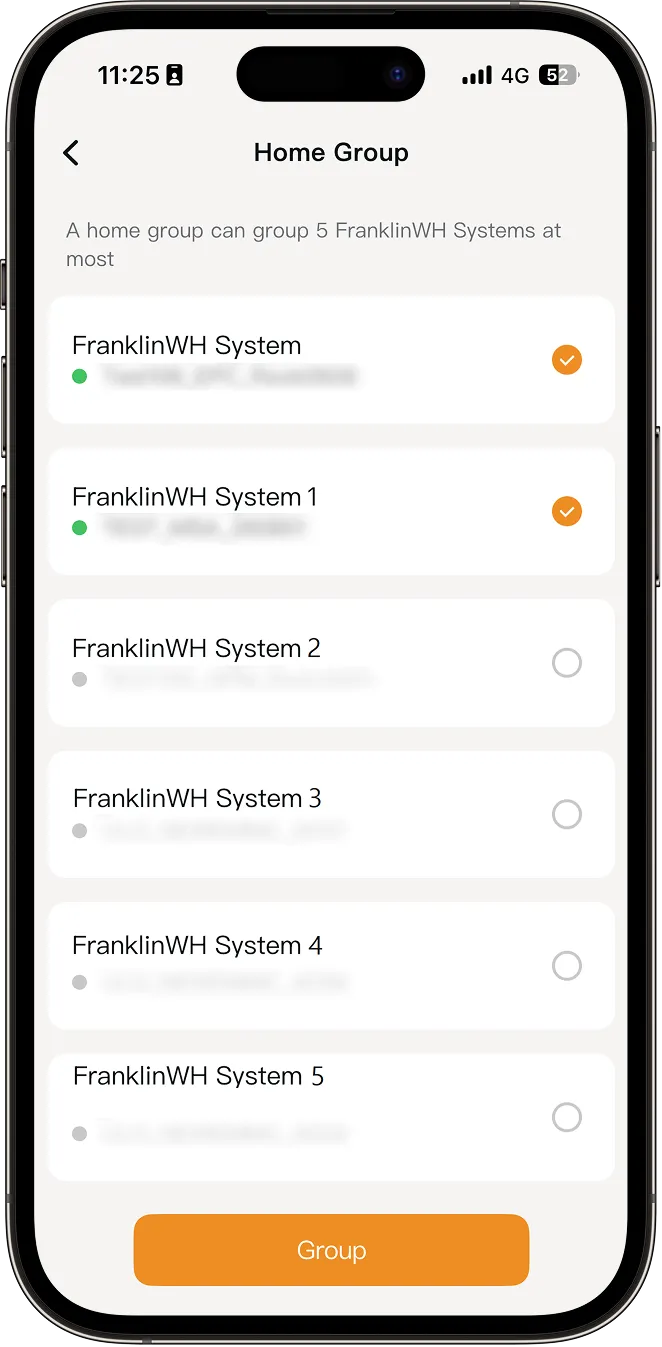
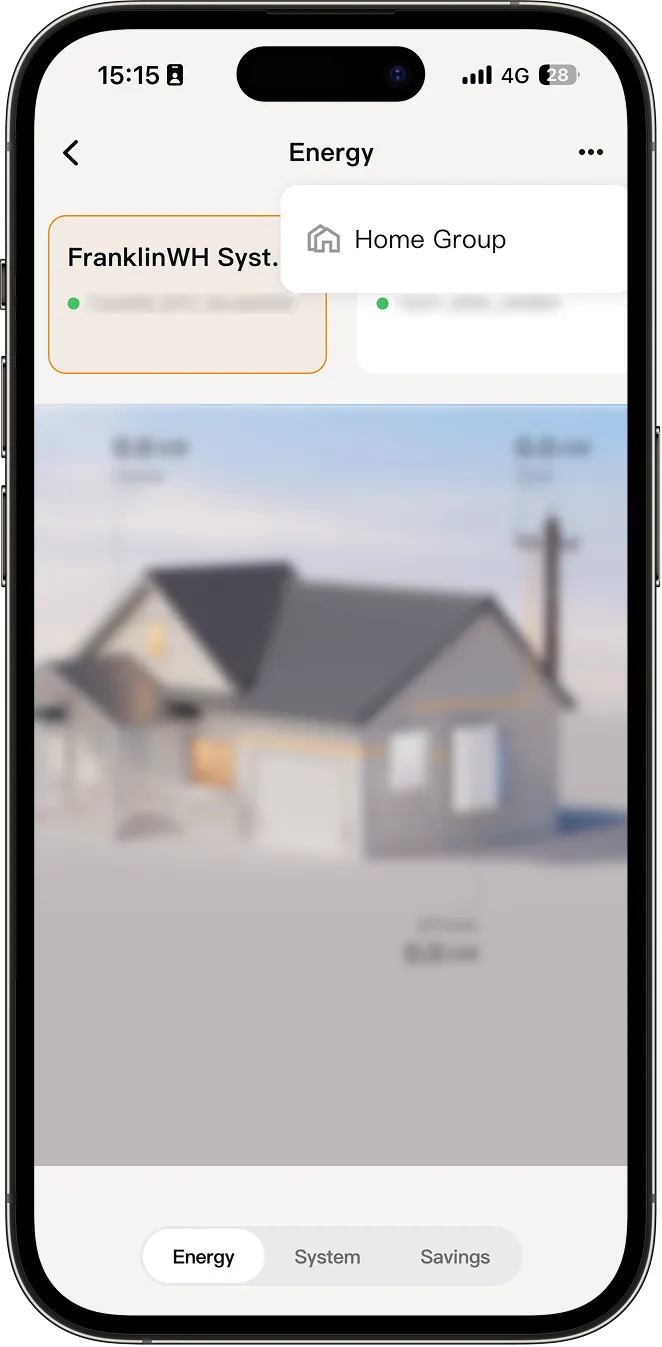
- On your energy home screen, tap More > Home Group to view the FranklinWH Systems list under the user account.
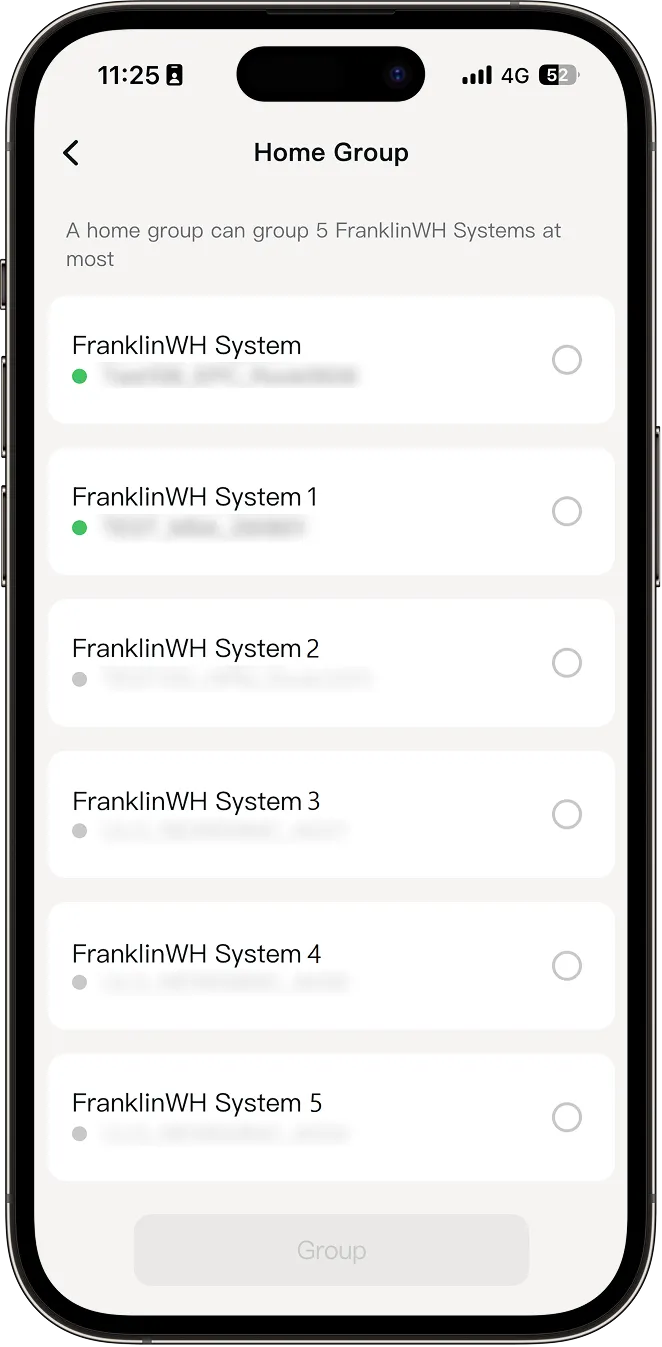
- Identify each FranklinWH System by its serial number, select the systems you want to group, and then tap Group at the bottom of the screen.
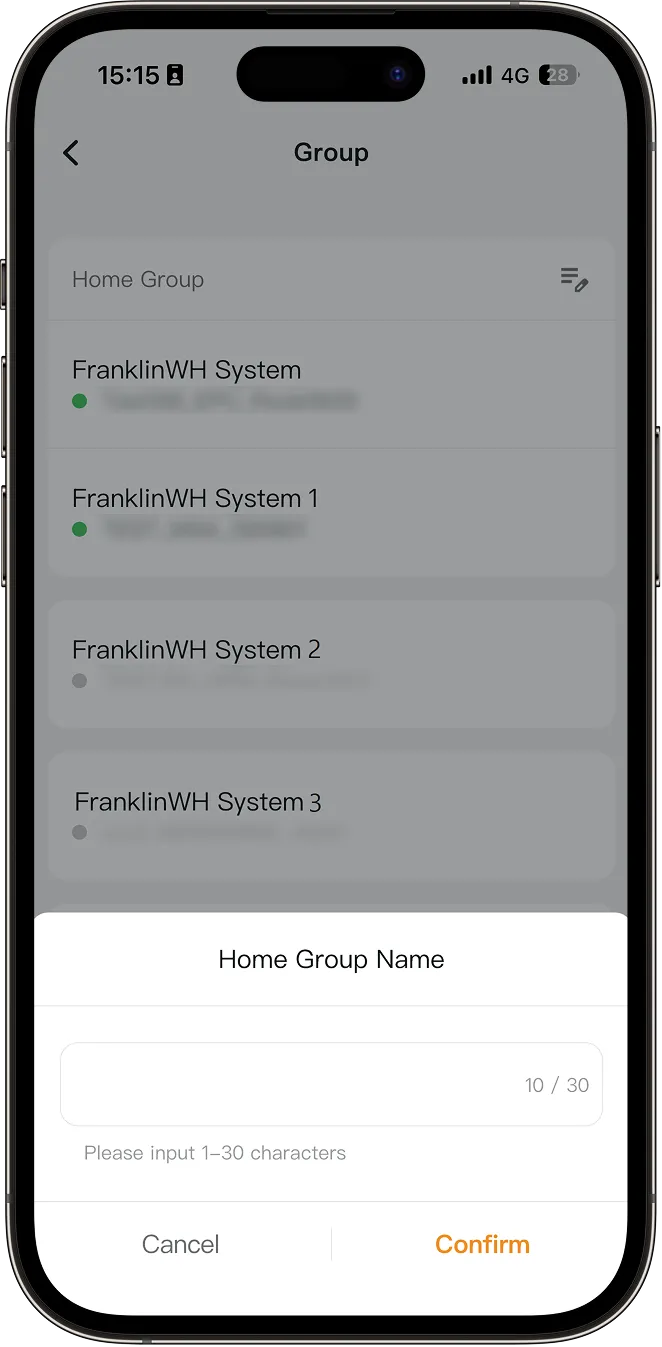
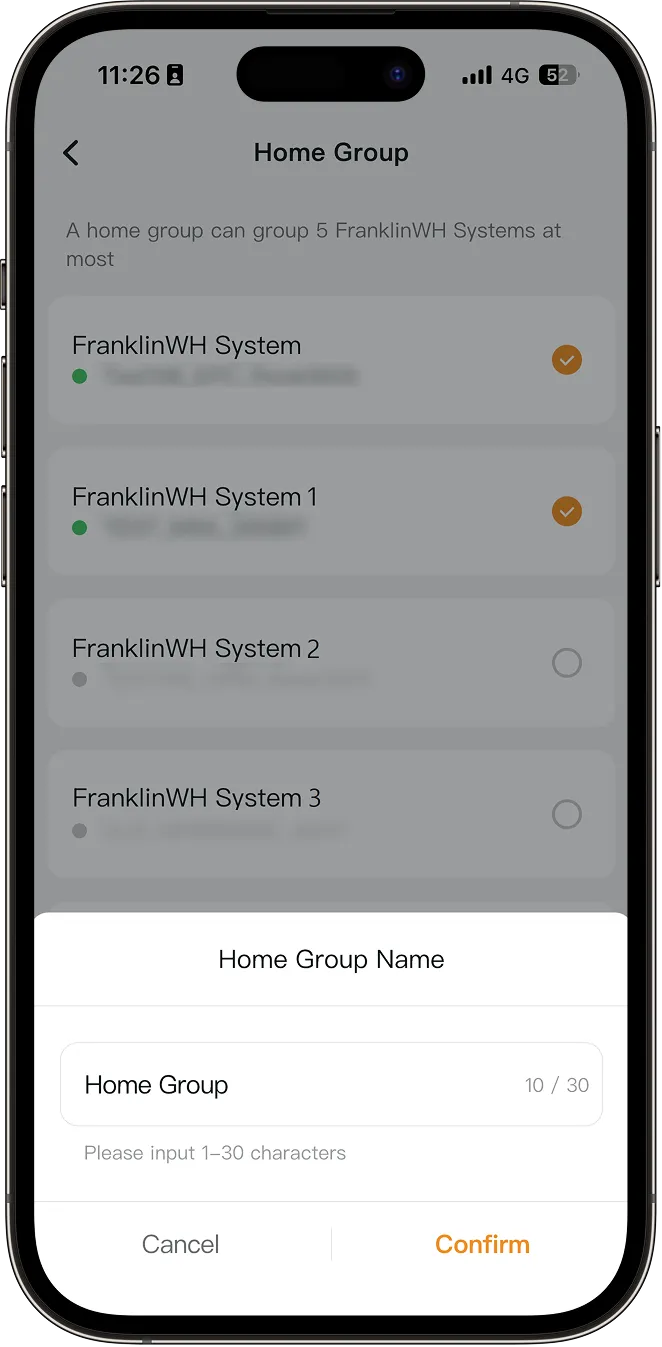
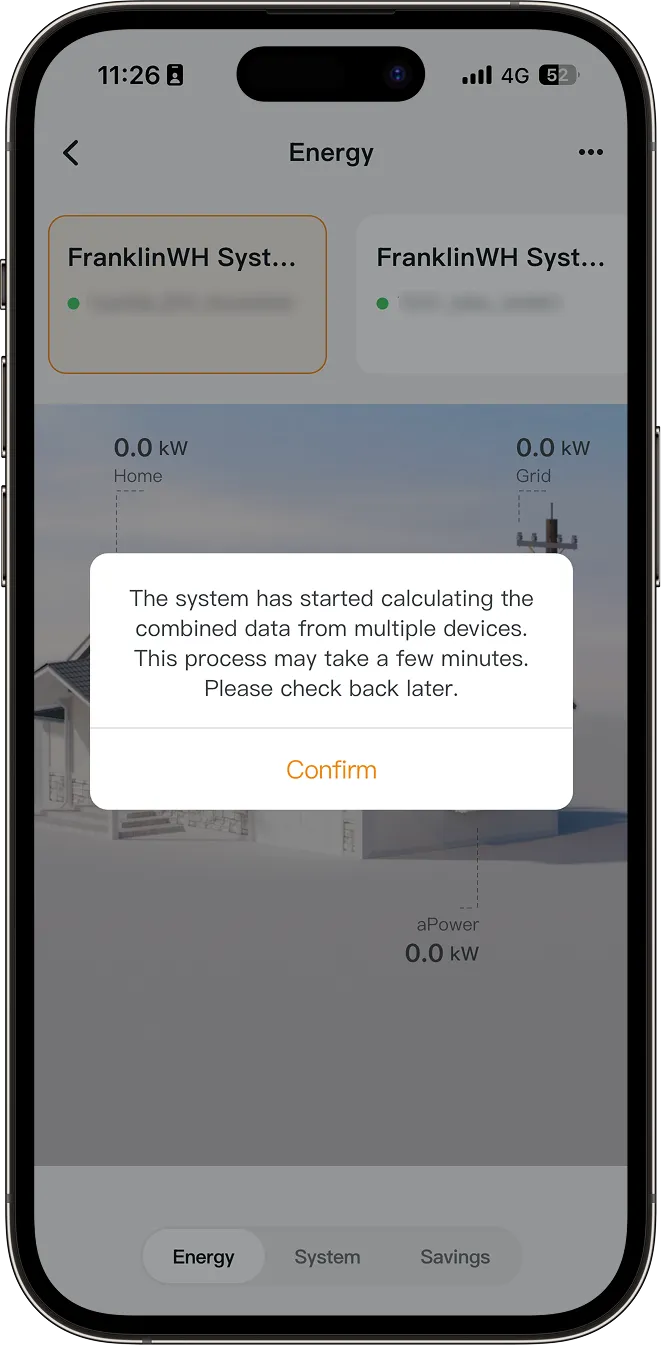
- Enter a name for the Home Group, then tap Confirm. The app navigates to the Home Group screen, where you can view energy data for the FranklinWH Systems in the group.
-
-
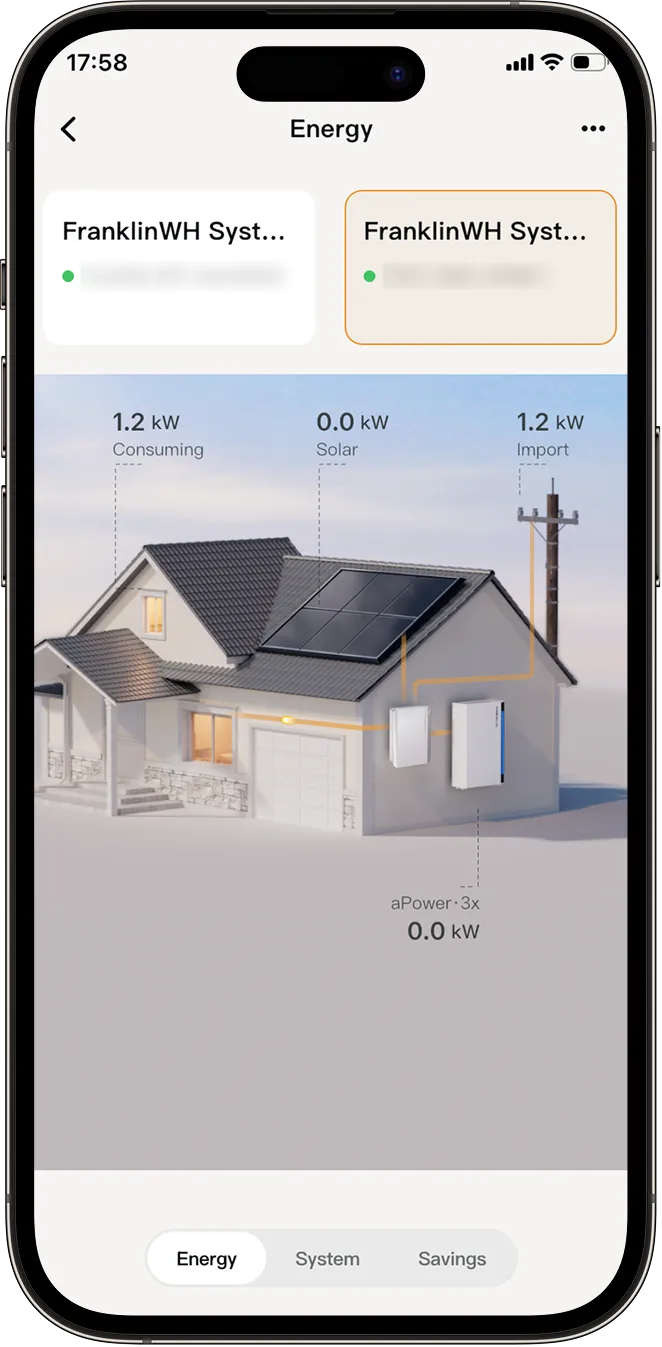
Energy: The Energy tab displays real-time energy flow data for each FranklinWH System in the Home Group, where you can view the running status of various energy devices in your household.
-
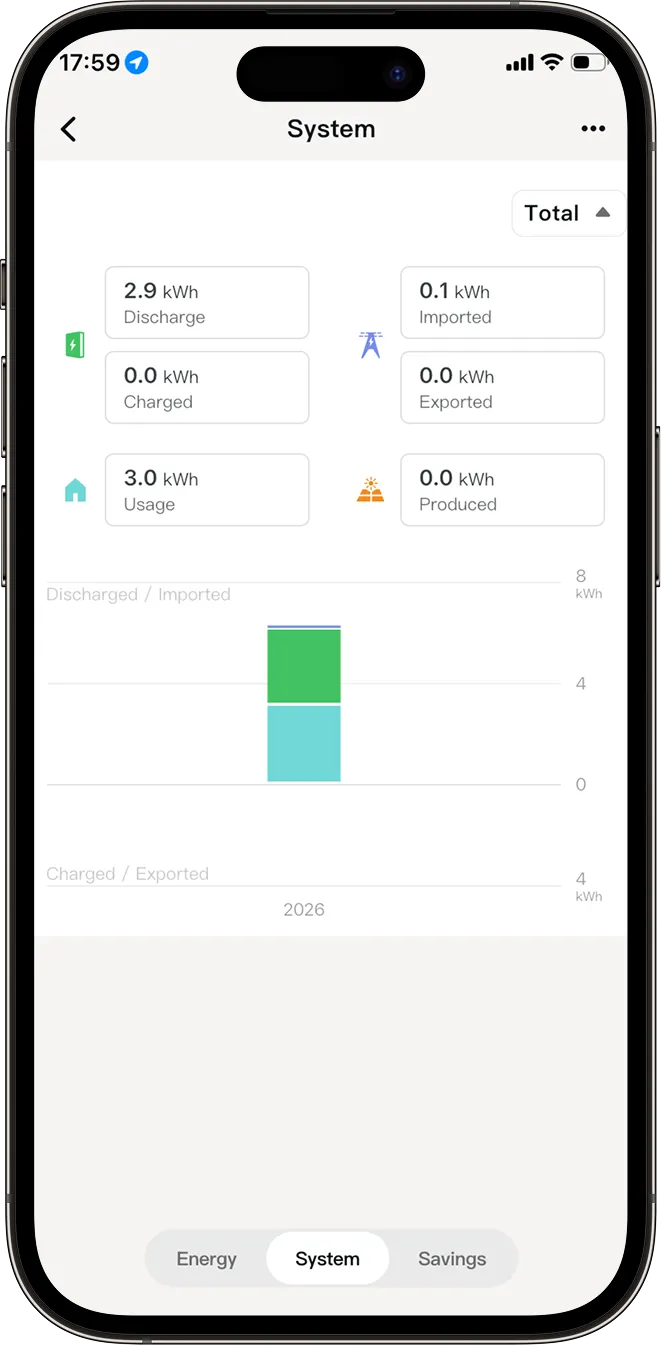
System: The System tab displays aggregated energy data for all FranklinWH Systems in the Home Group. It provides energy graphs categorized by the components of your energy system. Each graph displays key energy data for your home, aPower, the grid, and solar system, helping you understand your home’s energy use and generation. Learn more.
-
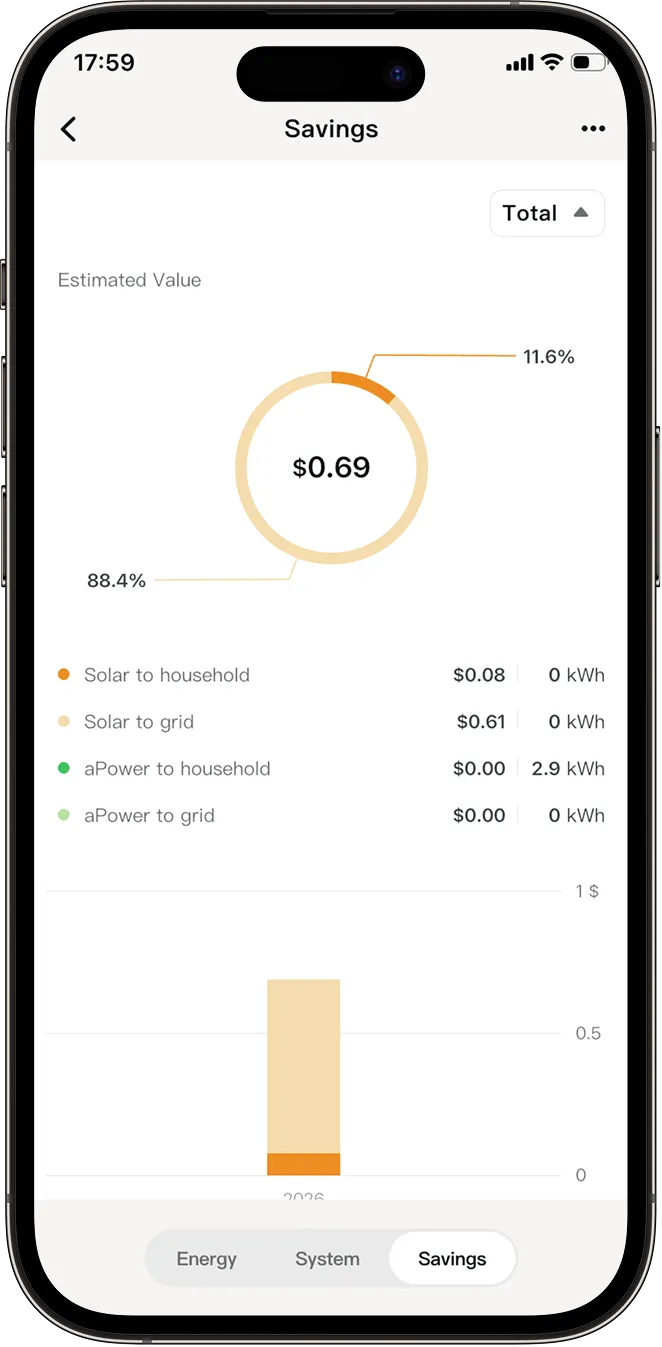
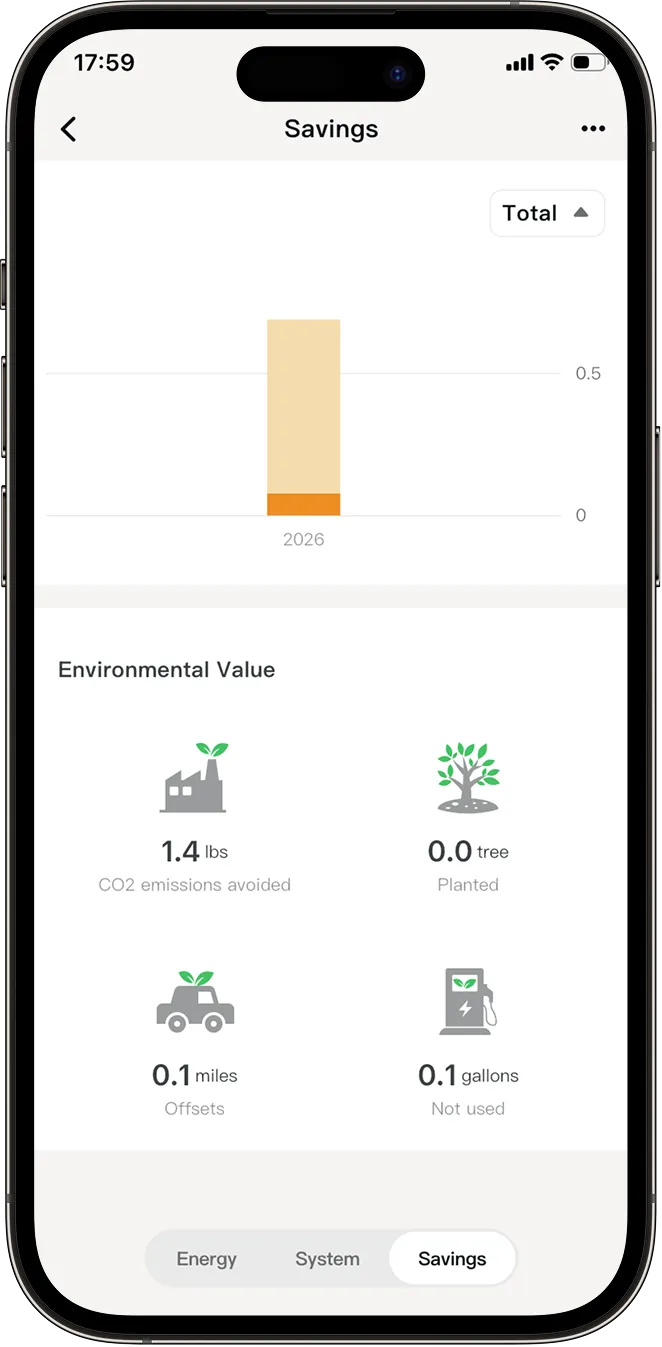
Savings: The Savings tab displays the estimated overall savings, as well as the savings contributions from all FranklinWH Systems in the Home Group. You can view the relative value of energy generated on a single day, week, month, year, or over the lifetime of the system. Learn more.
You also can view your savings over different time periods and see the equivalent environmental value of your energy usage. Learn more.
-
Rename a Home Group
If you need to change the name of an existing Home Group, follow these steps:
-
Tap the three dots on the top right, then tap Home Group to access the Group screen.
- Tap Edit button to rename it.